
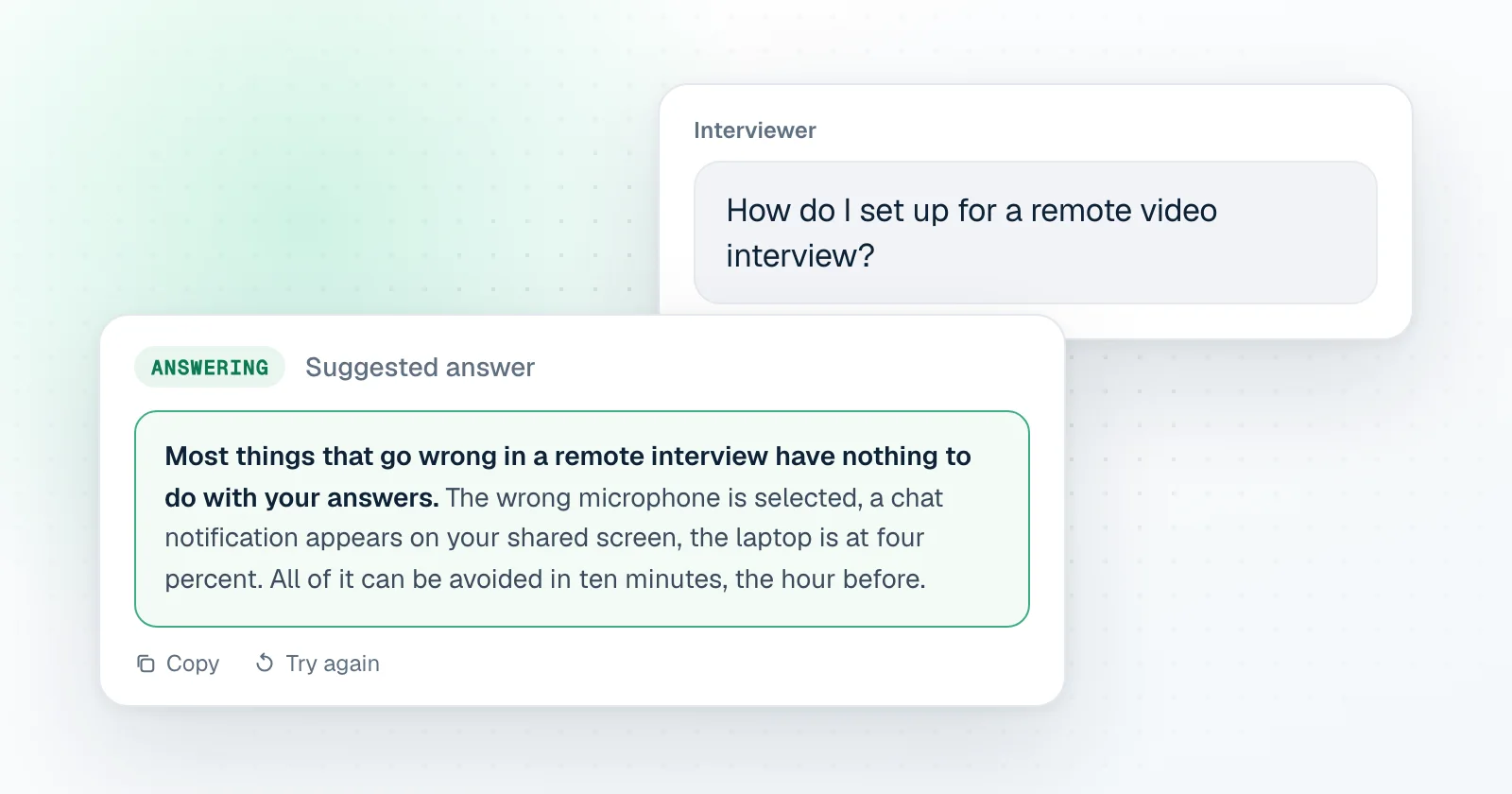
Sound first
- Use headphones. They stop the echo that makes everyone repeat themselves.
- Check which microphone the meeting app has selected. It is often not the one you think.
- Record ten seconds and listen. You are checking the volume and the background noise.
Camera and light
- Face a window or a lamp. Light behind you turns you into a silhouette.
- Camera at eye level. A stack of books under the laptop works.
- Look at what is behind you.
The computer
- Plug in the charger.
- Restart if it has been on for days.
- Close everything you will not need, especially anything that makes sound.
- Turn on do not disturb, so that no notification appears on screen.
- Open the meeting link ten minutes early. Some apps want an update at the worst moment.
If you will share your screen
- Share one window, not the whole screen, when the app allows it.
- Close tabs and documents you would not want read aloud.
- Increase the font size in your editor. What is readable to you is tiny on their side.
- Know how to start and stop sharing in this particular app. They are all different.
The room
- Tell the people you live with when the interview is.
- Phone on silent, face down, out of reach.
- Water, a notebook and a pen within reach.
A plan for when it breaks
Have the recruiter's phone number or email open on your phone. If the call drops, rejoin once, then send a short message. Interviewers are forgiving about a failed connection, and much less forgiving about silence.
If you use an assistant
Check the rules for this interview first. If AI help is allowed, test your setup on a call the day before, not five minutes before the real one.