
Languages
Hintvo maps functions and classes in TypeScript and JavaScript (including Vue, Svelte and Astro files), Python, Go, Ruby, Java, Kotlin, C#, Scala, PHP, Rust, Swift and Dart. Files in other languages are still read and searched, so an answer can come from them. They just do not get the map of functions and classes.
What it skips
- Secrets and .env files.
- Files your project ignores.
- Later on, everything that has not changed: after the first read, only what changed is read again.
Two ways to learn a project
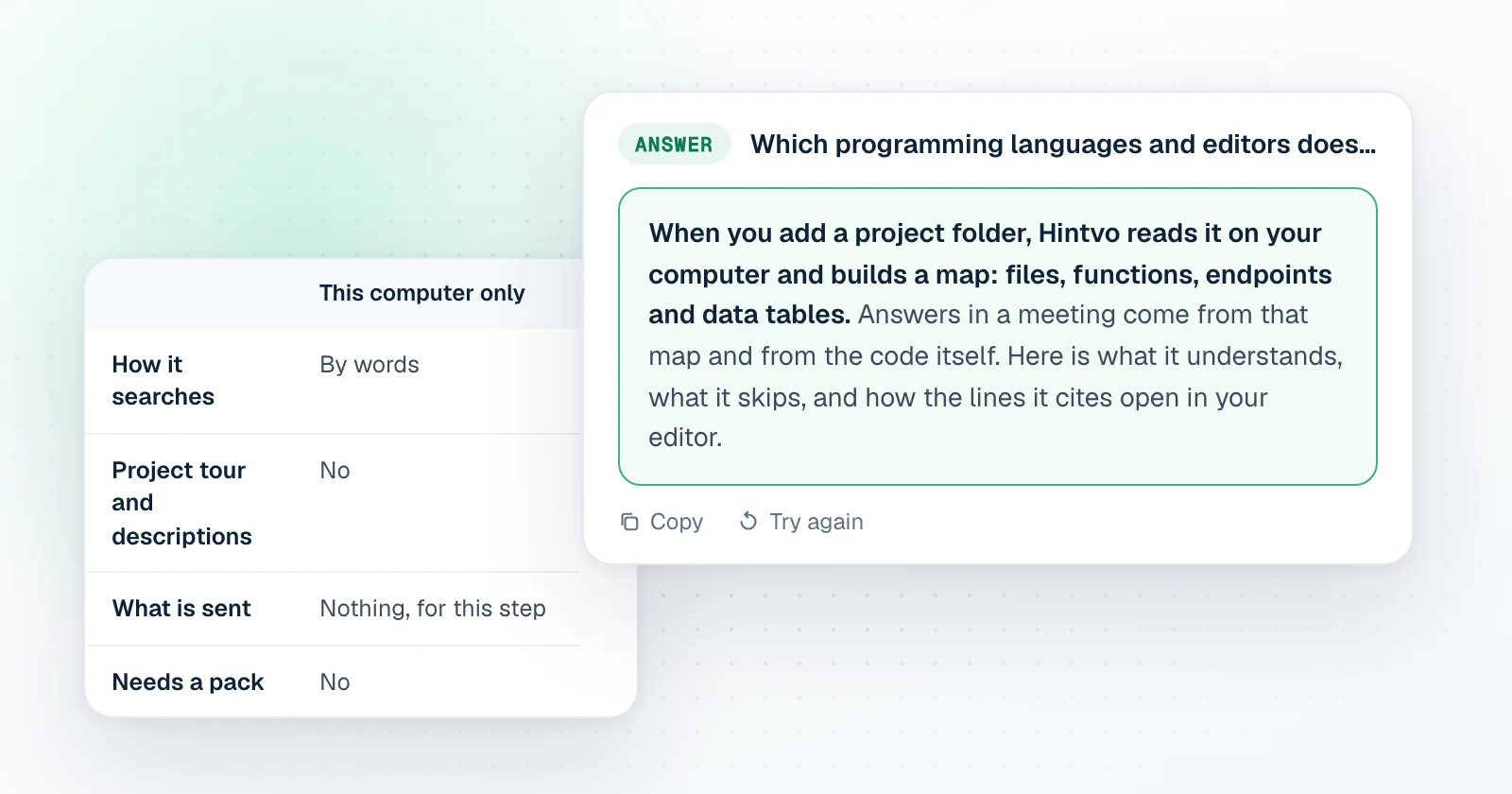
| This computer only | Learn with AI | |
|---|---|---|
| How it searches | By words | By words and by meaning |
| Project tour and descriptions | No | Yes |
| What is sent | Nothing, for this step | The code in pieces, with secrets masked |
| Needs a pack | No | Yes |
Learning a project with AI is your choice for each project: it sends the code in pieces, with secrets masked, to build search by meaning and short descriptions of each part. Choose This computer only and that step is skipped. You choose for each project, and you can turn learning on later from the project page.
Editors
Every answer about your code names its file and line. One click opens that line in VS Code, Cursor or Zed, so the check takes seconds. Choose your editor in Settings.
In the free trial
You can add one project folder and get answers from your own code while the app listens. Learning a project with AI and questions about your project outside a session need a pack of hours.
Getting good answers
- Add the folder you actually talk about in meetings, not every repository you have.
- Refresh the project before an important call if a lot has changed.
- Ask the way a teammate would: name the thing, such as the endpoint, the job or the table.