
What it speeds up
- Finding rows by a value: the user with this email.
- Finding a range: the orders from last week.
- Sorting by the indexed column.
- Joining two tables on a column.
What it costs
- Slower writes. Every insert and update has to update each index as well.
- Space. An index is a second copy of some of the data.
- Attention. An index nobody uses still costs on every write.
This is why you do not index every column. You index the ones your queries search by.
An example
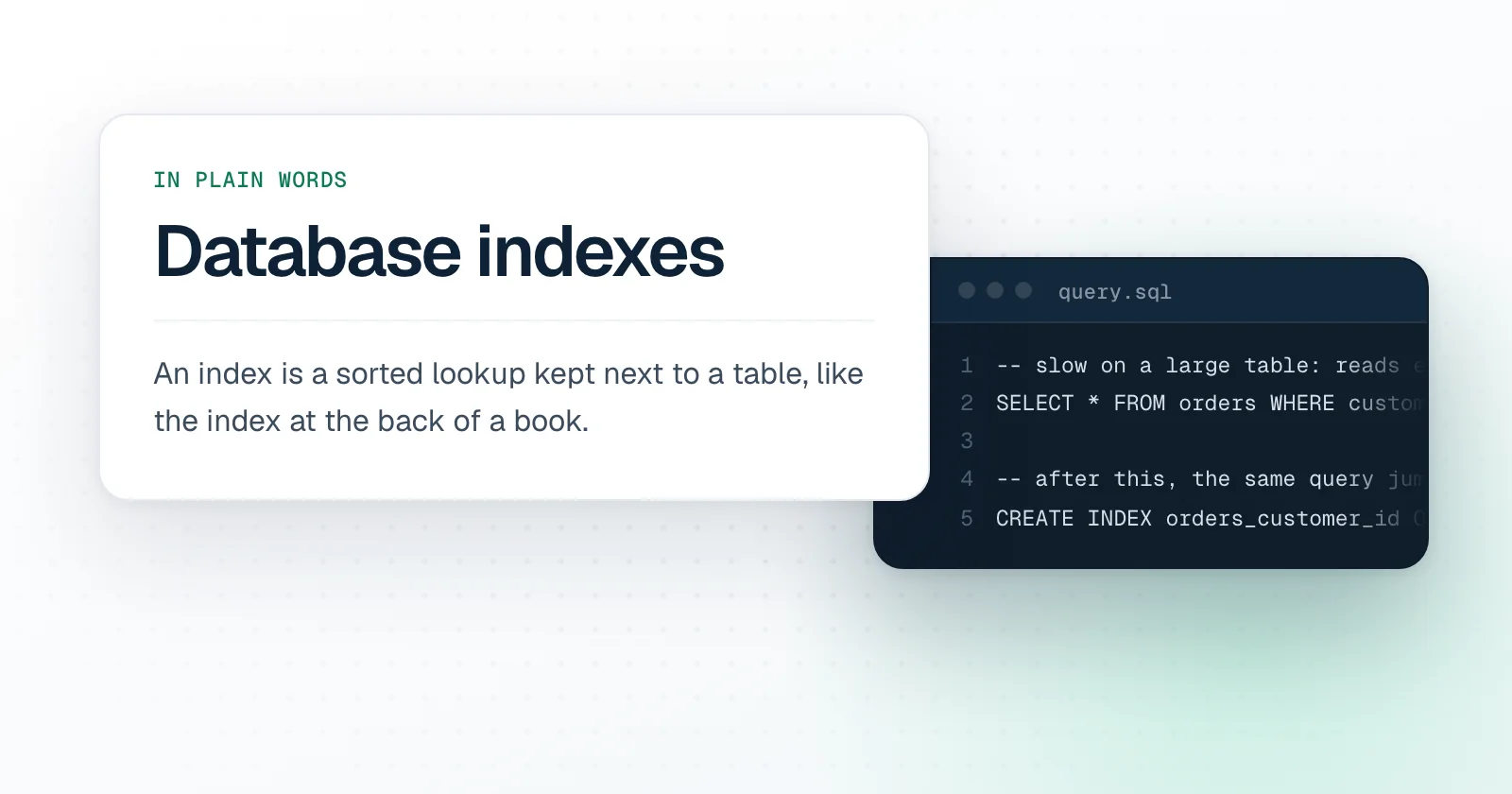
-- slow on a large table: reads every order
SELECT * FROM orders WHERE customer_id = 42;

-- after this, the same query jumps to the rows
CREATE INDEX orders_customer_id ON orders (customer_id);
Indexes on more than one column
An index on customer and date helps a query for one customer's orders in a period. The order of the columns matters. It works like a phone book sorted by surname and then by first name: it finds everyone called Kaya quickly, and Deniz Kaya quickly, but it is no help for finding everyone called Deniz.
How to tell whether a query needs one
- Ask the database to explain the query. Every database has a command that shows its plan.
- Look for a step that reads the whole table.
- Compare how many rows the query read with how many it returned. Reading a million to return ten is the sign.
When an index does not help
- The table is small. Reading a hundred rows is already fast.
- The query returns most of the table anyway.
- The search wraps the column in a function, or starts with a wildcard, so the sorted order cannot be used.
Questions you will hear in a meeting
- Is there an index on the column we filter by?
- Did we look at the query plan?
- Will adding this index lock the table?
- Is this index still used by anything?