
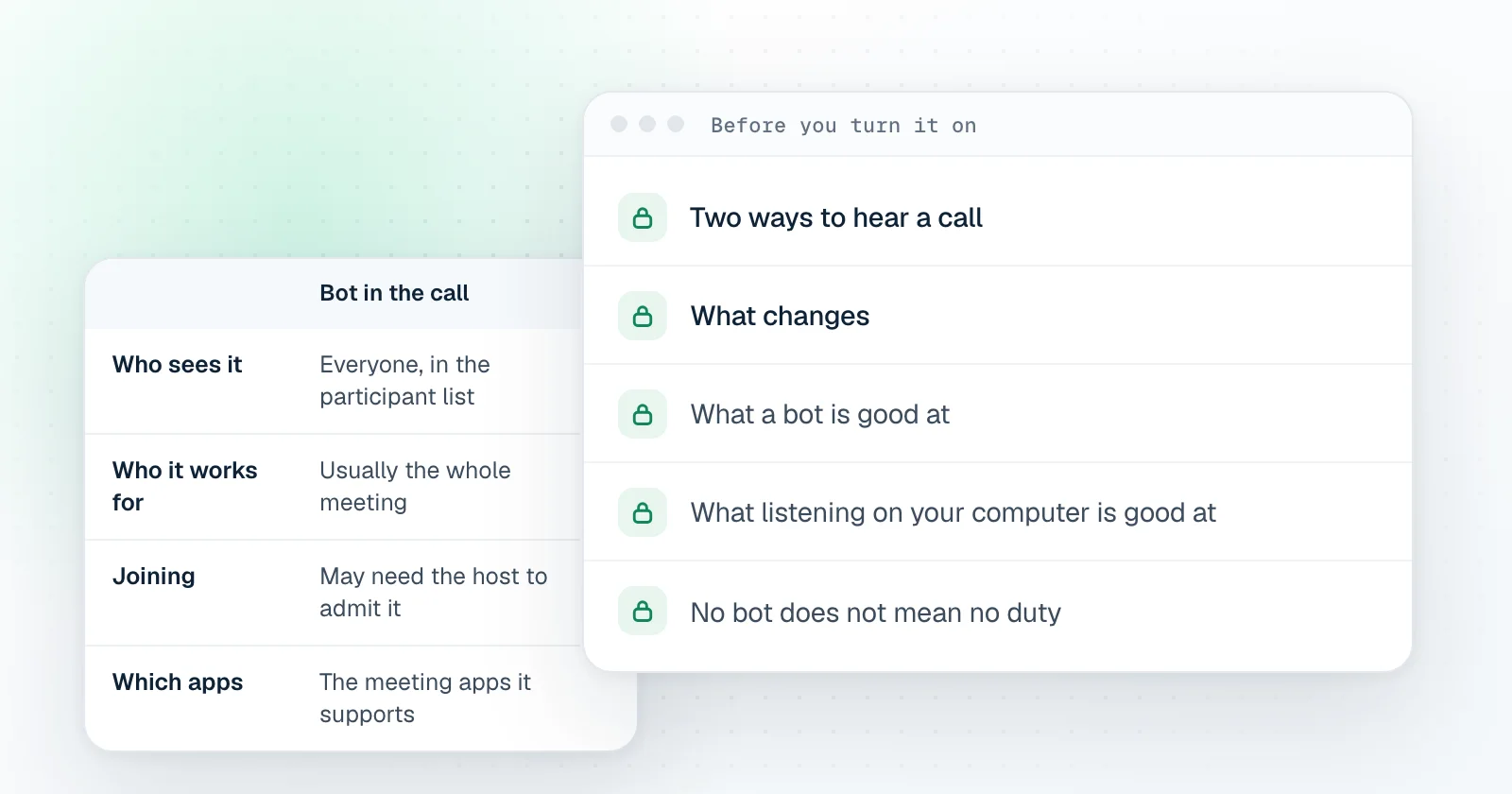
Two ways to hear a call
- A bot in the call. The assistant joins through the meeting link, like a guest. Everyone sees it in the participant list.
- Listening on your computer. A desktop app hears what your computer plays and what your microphone picks up. Nothing joins the call.
What changes
| Bot in the call | Listening on your computer | |
|---|---|---|
| Who sees it | Everyone, in the participant list | Only you |
| Who it works for | Usually the whole meeting | The person who runs it |
| Joining | May need the host to admit it | Nothing to admit |
| Which apps | The meeting apps it supports | Any app that plays sound on your computer |
| Telling people | The bot is its own notice | Up to you, and still required where rules say so |
What a bot is good at
A bot is honest by design: nobody can miss it. It suits a team that has agreed to keep a shared record of its meetings, where everyone gets the same notes afterwards. If that is what you need, a bot is the right tool.
What listening on your computer is good at
It helps one person during the call rather than documenting the call for everyone. It works in any meeting app, and it does not change the meeting for the others. That also means the others cannot see it, so the responsibility to tell them moves to you.
No bot does not mean no duty
Whether you must tell people a call is being transcribed depends on where you and they are, and on the rules of your company and theirs. Tell the other people in a call that it is being transcribed where the law or their rules require it. If you are not sure, say it. One sentence at the start of the call is enough.
Questions to ask about any assistant
- Is the audio saved, and where?
- Where does the transcript live, and can I delete it?
- Who else receives the notes?
- Does it work in the meeting app my customers use?